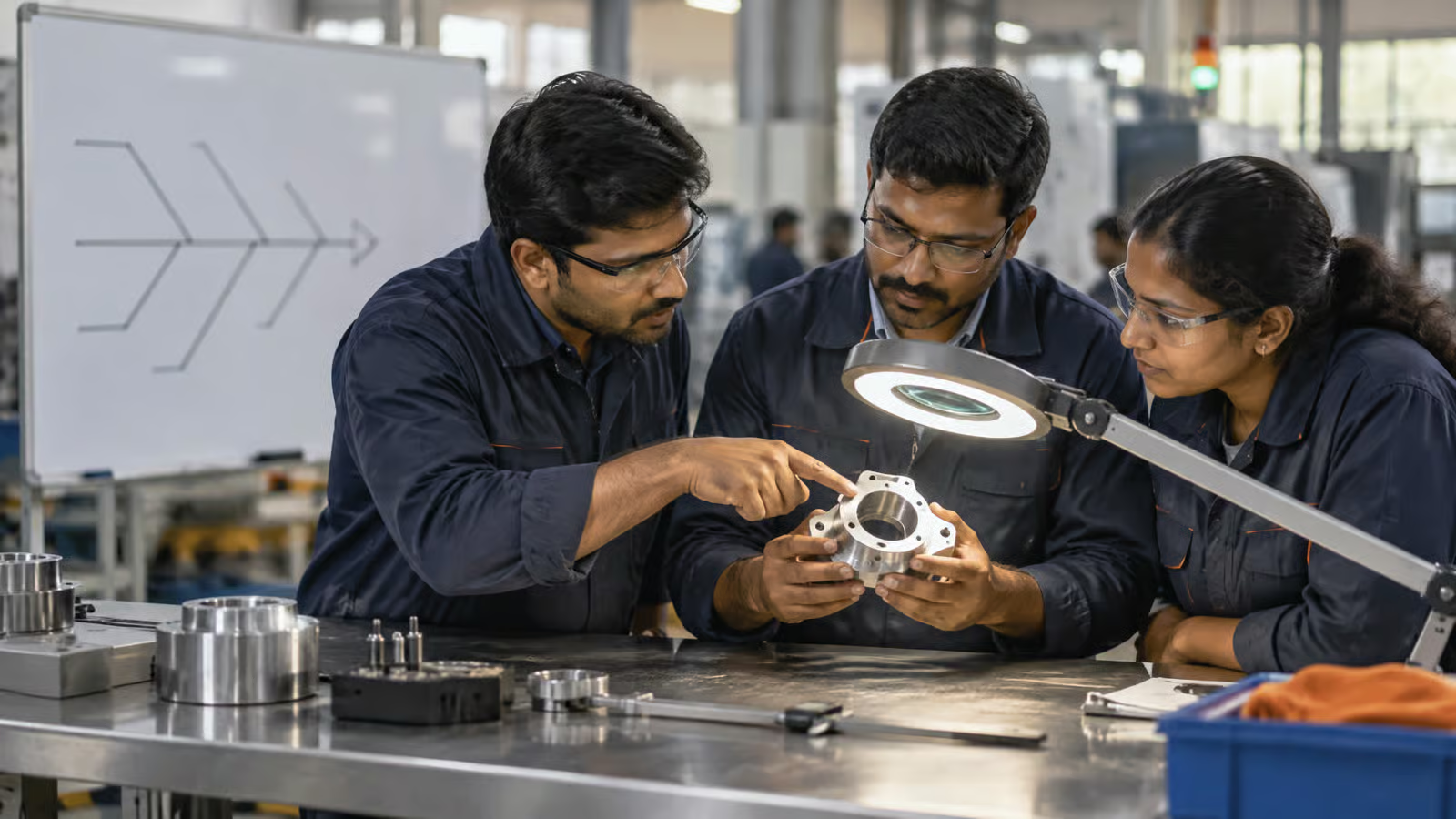
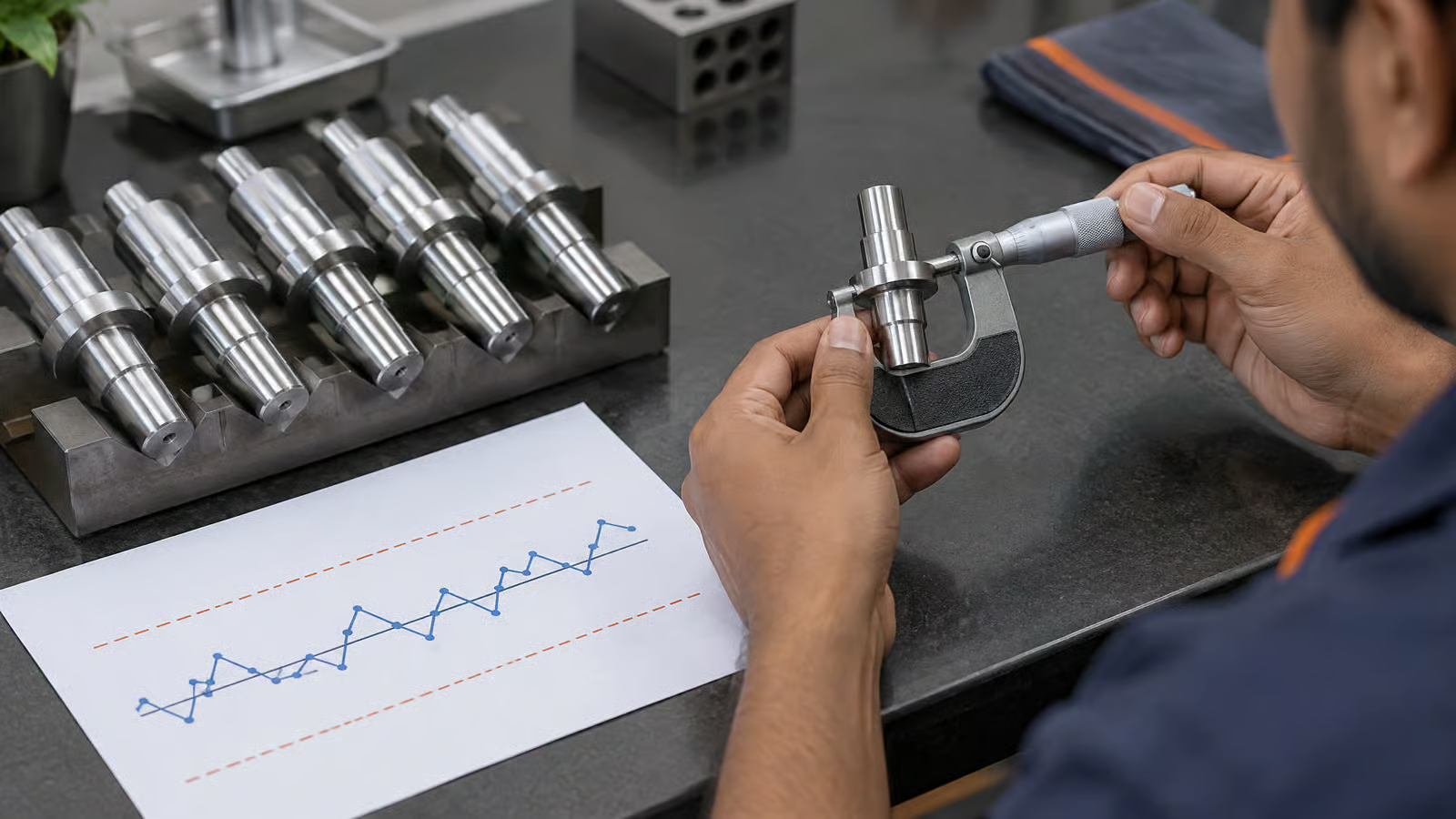
AI visual inspection uses cameras and AI software to check parts for visible defects such as scratches, cracks, dents, missing features or wrong labels. On high-volume lines with steady lighting and clear defect definitions, it inspects every part consistently without tiring. For low-volume, high-variety work, trained inspectors are often still the better choice.
What is AI visual inspection?
AI visual inspection is a camera-based system that learns what good and bad parts look like from sample images, then checks each part on the line and flags or rejects the defective ones. It is a newer form of machine vision.
Traditional machine vision uses fixed rules, such as "reject if this area is darker than a set value". It works well for simple, consistent checks but struggles when defects vary in shape or when parts have natural variation. AI vision learns from examples instead, so it handles varied defects and surfaces better.
A typical setup has five parts: a camera and lens, controlled lighting, a fixture or conveyor that presents each part the same way, a computer running the AI model, and a link to a reject mechanism or an operator screen.
Can cameras catch defects better than people?
Cameras catch defects more consistently than people on repetitive, high-volume checks, but people are better at spotting new types of defect, handling variety and making judgement calls. The honest answer depends on your parts and volumes.
Factor | Human inspector | AI visual inspection |
|---|---|---|
Consistency over a shift | Drops with fatigue, especially late in the shift | Same standard every part, every shift |
Speed and volume | Limited; often sampling, not 100% | Can check every part at line speed |
New or unusual defects | Notices something "looks wrong" | Misses defects it was not trained on |
Frequent part changes | Adapts quickly | Needs setup and images for each new part |
Judgement on borderline parts | Can consult, compare, decide | Follows its training strictly |
Records | Usually a tally in a register | An image and result for every part |
The best setups often combine the two: cameras check every part for known defects, and inspectors review the borderline cases and anything unusual.
What defects can AI visual inspection detect?
AI visual inspection can detect defects that are visible on the surface to a camera under controlled lighting. Common examples include:
- Surface defects: scratches, dents, cracks, rust, stains, burrs and porosity visible on the surface
- Presence and absence: missing holes, missing threads visible from outside, missing clips or components
- Assembly errors: wrong orientation, wrong part fitted, loose or misplaced components
- Print and labels: wrong or missing labels, unreadable date codes, barcode and text checks
- Colour and finish: shade variation, incomplete coating or plating
- Packaging: seal defects, wrong count, damaged cartons
It cannot see internal defects such as blowholes inside a casting, which need X-ray or ultrasonic testing. It is also not a replacement for gauges or a CMM on tight dimensional tolerances. Very shiny or reflective parts are harder, because reflections look like defects unless the lighting is designed carefully.
Where does AI visual inspection work best?
AI visual inspection works best on high-volume parts with stable designs, visible defects and a clear cost for escapes. It struggles in high-mix job work.
Good fit | Poor fit |
|---|---|
Thousands of identical parts a day | A few pieces of many different parts |
Stable design that rarely changes | Frequent design changes or one-off jobs |
Defects visible on the surface | Internal defects or tight dimensions |
Costly escapes: customer rejections, chargebacks, PPM targets | Defects that are cheap to catch later |
Inspection already a bottleneck or a large labour cost | Occasional sampling is enough |
Auto component, packaging, moulding and electrical product lines are often good candidates. A CNC job shop making small batches of varied parts usually is not, at least not yet.
What does it take to set up AI visual inspection?
Setting up AI visual inspection takes clear defect definitions, good images, stable lighting and a proper trial against your inspectors. The steps are:
- Define every defect. Agree limit samples with your quality team and customer: physical examples of the smallest acceptable and the first rejectable defect.
- Collect images. Photograph many good parts and as many real defective parts as you can, covering each defect type.
- Design lighting and fixturing. Present each part the same way under the same light. This step decides most of the result.
- Train the model. The AI learns from the labelled images.
- Run a side-by-side trial. The system and your inspectors check the same parts, and you compare results.
- Connect to the line. Link results to a reject chute, an alarm or an operator screen.
- Monitor and retrain. Add images of new defects and check performance every month.
How do you measure whether AI visual inspection works?
Measure two numbers: the catch rate, which is the share of defective parts correctly rejected, and the false reject rate, which is the share of good parts wrongly rejected. Measure your human inspectors the same way for a fair comparison.
Example: In a trial of 10,000 parts, 100 are defective. The system rejects 97 of them and misses 3. It also rejects 150 good parts.
Measure | Calculation | Result |
|---|---|---|
Catch rate | 97 ÷ 100 | 97% |
Escapes | 100 − 97 | 3 defective parts passed |
False reject rate | 150 ÷ 9,900 good parts | About 1.5% |
The two numbers pull against each other. A stricter setting catches more defects but rejects more good parts, which then need re-inspection. Agree which matters more with your customer and your cost of re-inspection. All numbers here are illustrative.
Is AI visual inspection worth the investment?
It is worth it when volume is high, escapes are expensive and inspection already costs significant time or labour. The cost depends on the number of cameras and inspection stations, lighting, integration with your line and the engineering time to set it up.
Before you commit, calculate the cost of your current escapes and inspection time, and compare it with the quote. Our guide on calculating the ROI of automating factory work shows the method. Ask any vendor for a trial on your own parts, with catch rate and false reject rate reported, before you buy.
To see vision systems working on real machines before deciding, visit an Industry 4.0 demonstration centre. The SAMARTH Udyog Bharat 4.0 initiative runs centres including CMTI's smart manufacturing cell in Bengaluru.
Can you improve inspection before installing cameras?
Yes. Many quality gains come from recording what inspectors already find, with reasons and photos, before any camera is installed. That data also tells you whether a vision system is worth buying, and on which part.
- Record every rejection with a reason, by machine and shift. With production tracking on WhatsApp, inspectors and supervisors report rejections as they happen.
- Photograph defects on WhatsApp. AI can sort the photos by defect type, and the library later becomes training data for a vision system.
- Keep inspection records audit ready, so rejection trends and corrective actions are easy to show to customers. See our quality documentation and audit readiness solution.
Osvik builds these first steps, and designs custom AI solutions for defect photo classification and inspection reporting. When the data shows a clear case for cameras, you will know exactly which part and defect to start with. To find out why defects keep coming back, read our guide on how AI helps find the root cause of recurring quality problems.
Start with the data you already have
Pull your last three months of rejections and customer complaints, and group them by part and defect. If one high-volume part with a visible defect stands out, you have a candidate for AI visual inspection. If not, better recording will give you more value first.
If you want help reading your rejection data, book a free call. If a task repeats in your factory, tell us about it.
Frequently asked questions
What is AI visual inspection?
AI visual inspection is a camera-based system that learns from sample images what good and defective parts look like, then checks parts on the production line and flags or rejects those with visible defects such as scratches, cracks, missing features or wrong labels.
Is AI visual inspection better than human inspection?
It is more consistent and faster on high-volume, repetitive checks for known defects, and it does not tire. Human inspectors are better at noticing new or unusual defects, handling frequent part changes and judging borderline cases. Many factories use both together.
What defects can AI visual inspection not detect?
It cannot detect internal defects such as porosity or blowholes inside a casting, which need X-ray or ultrasonic testing. It is not a substitute for gauges or a CMM on tight dimensional tolerances, and it can miss defect types it was never trained on.
How many images are needed to train AI visual inspection?
There is no fixed number. It depends on how many defect types you have, how much good parts naturally vary and how subtle the defects are. Ask the vendor to run a trial on your own parts and report the catch rate and false reject rate.
Can AI visual inspection work on small production lines?
It can, but it pays back best on high volumes of stable, repeating parts. For small batches of many different parts, the setup effort per part is high. Recording rejections and defect photos digitally is often a better first step for smaller lines.
Does AI visual inspection replace quality inspectors?
Usually not fully. It takes over repetitive checks on known defects, while inspectors review borderline parts, investigate new defects, run first-article and dimensional checks, and lead corrective actions. Their role moves from checking every part to improving the process.
Want this for your factory?
A free 30-minute call. Bring one real enquiry, sheet or report.