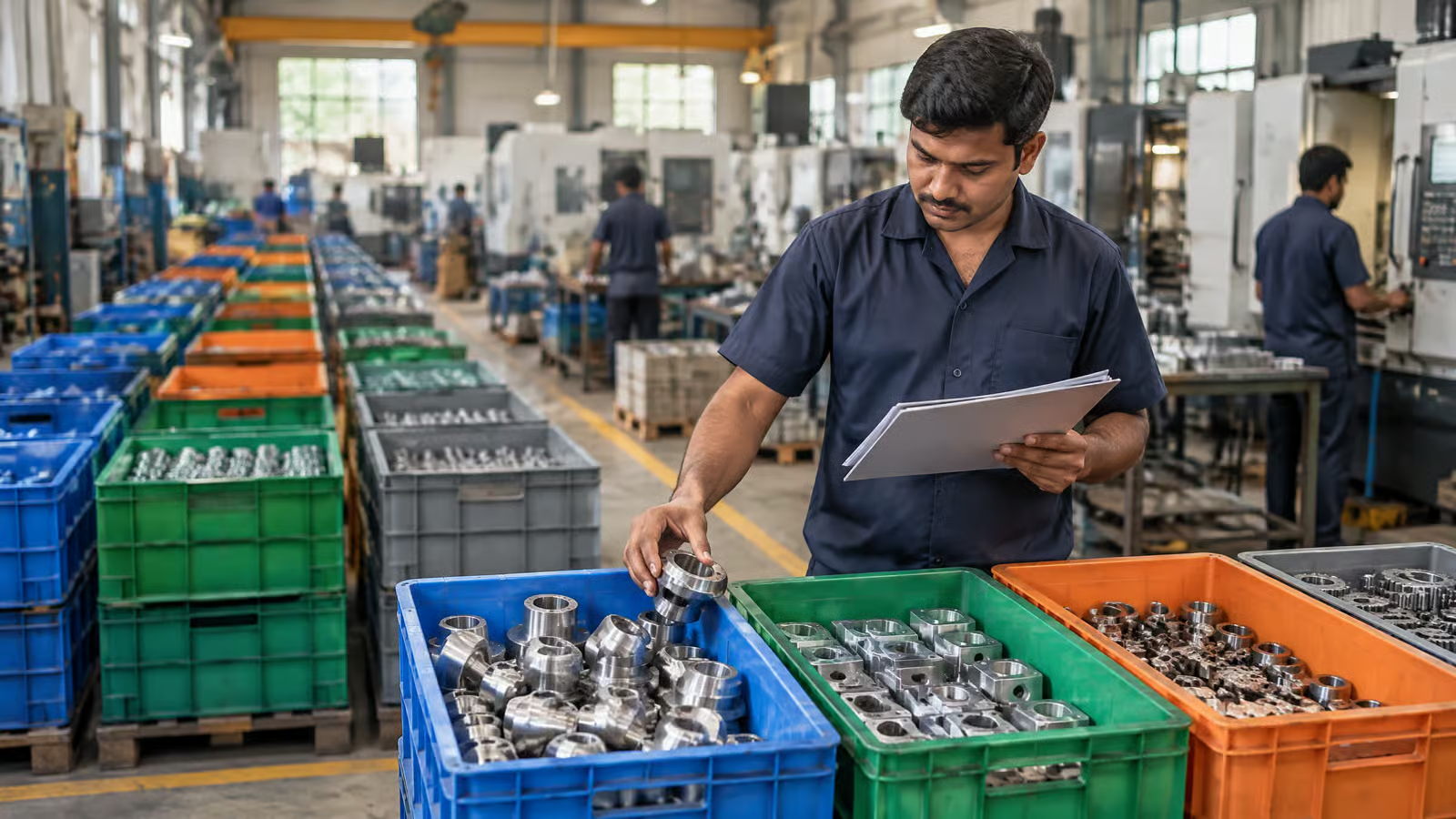
Production scheduling for a job shop decides which job runs on which machine, in what order and when, so orders finish on time with the least idle time. It starts with a realistic capacity check, uses simple rules like earliest due date, and depends on live shop floor updates. AI helps by suggesting sequences and flagging late jobs early.
What is the difference between production planning and production scheduling?
Production planning decides what to make and how much, over weeks or months, based on orders, forecasts and capacity. Production scheduling turns that plan into a detailed sequence of jobs on specific machines, hour by hour and day by day.
Production planning | Production scheduling | |
|---|---|---|
Question it answers | What and how much should we make? | Which job runs on which machine, and when? |
Time horizon | Weeks to months | Hours to days |
Main inputs | Orders, forecast, stock, overall capacity | Routings, setup and cycle times, machine availability, material status |
Output | Monthly or weekly production plan | Daily machine-wise job sequence |
If your demand is predictable, planning starts with a forecast. Our guide to AI demand forecasting covers that step.
Why is scheduling so hard in a job shop?
A job shop makes many different parts in small batches, and each part follows its own route through the machines. That variety is what makes scheduling difficult.
- Different routings: one part goes turning, milling and grinding; another goes cutting, bending and welding.
- Setups: changing fixtures, tools or moulds takes time, so the order of jobs changes total output.
- Rush orders: a key customer's urgent order jumps the queue and pushes everything else.
- Breakdowns and absences: the plan assumes machines and operators are available.
- Material delays: a job cannot start if the bar stock or sheet has not arrived.
- Outside processing: plating, heat treatment or painting at a vendor adds uncertain days.
- Knowledge in one head: often only the plant head knows which machine can really hold a tolerance.
What information do you need to schedule a job shop?
You need six pieces of information for every job. Most shops have them, but spread across registers, Excel and people's memory.
Information | Where it usually is |
|---|---|
Job list with quantities and due dates | Sales order register, Tally, customer POs |
Routing: the sequence of operations and machines | Process sheets, the plant head's experience |
Setup time and cycle time per operation | Past job cards, estimates, quotation costing sheets |
Machine availability and shifts | Shift plan, maintenance schedule |
Material status | Stores register, purchase follow-ups |
Outside processing lead times | Vendor history, purchase team |
How do you check capacity before scheduling?
Compare the hours your jobs need on each machine with the hours that machine is actually available. If load is higher than capacity, no sequence will deliver everything on time.
\text{Load (hours)} = \frac{(\text{quantity} \times \text{cycle time}) + \text{setup time}}{60}
Example: Three jobs need a VMC (vertical machining centre) next week. Times are in minutes.
Job | Calculation | Load |
|---|---|---|
A | (500 pieces × 4 min) + 60 min setup = 2,060 min | 34.3 hours |
B | (200 pieces × 9 min) + 90 min setup = 1,890 min | 31.5 hours |
C | (1,000 pieces × 1.5 min) + 45 min setup = 1,545 min | 25.8 hours |
Total load | 91.6 hours |
The machine runs 2 shifts of 8 hours for 6 days, which is 96 hours. At a realistic 85% for breaks, small stops and changeovers, it has about 81.6 productive hours. The load is about 10 hours more than capacity. Before sequencing, decide whether to add overtime, move a job to another machine, subcontract part of a batch or agree a later date with a customer.
The 85% figure should come from your own data. If you track downtime, your OEE figures tell you what percentage is realistic for each machine.
Which scheduling rules work best for job shops?
Simple sequencing rules, used consistently, work well in most job shops. The right one depends on what matters most to you: due dates, throughput or setup time.
Rule | How it works | Good for | Watch out for |
|---|---|---|---|
First in, first out (FIFO) | Jobs run in the order they arrive | Fairness, simplicity | Ignores due dates |
Earliest due date (EDD) | The job due soonest runs first | Meeting delivery promises | Can cause many setups |
Shortest processing time (SPT) | The quickest job runs first | Finishing more jobs quickly | Long jobs keep getting pushed back |
Critical ratio | Time left until due date ÷ work time remaining; the lowest ratio runs first | Balancing urgency and workload | Needs updated data every day |
Setup grouping | Jobs needing the same fixture, tool or material run together | Machines with long setups | Can delay urgent jobs |
Critical ratio is easy to read: below 1 means the job is already running late, 1 means it is exactly on track, and above 1 means there is slack. A job due in 4 days with 2 days of work left has a ratio of 2.
One more principle helps most shops: schedule the bottleneck first. The bottleneck is the machine or process with the least spare capacity, often a CNC, a heat treatment step or a paint shop. Its output limits the whole factory, so plan it carefully and schedule other machines around it. This idea comes from the Theory of Constraints, which TOCICO promotes, and it sits well alongside the flow thinking taught by the Lean Enterprise Institute.
Should you use Excel, scheduling software or AI?
Many job shops schedule well with Excel and a daily meeting. Software and AI become worth it when the number of jobs, machines and changes is too large for one planner to keep in their head.
Option | Strengths | Limits |
|---|---|---|
Whiteboard or Excel | Cheap, flexible, familiar | Depends on one person; hard to update when things change |
ERP production module | Linked to orders, stock and costing | Needs accurate routings and disciplined data entry |
Scheduling software (APS) | Detailed machine-level sequencing | Setup effort; fails if shop floor data is not updated |
AI assistance | Suggests sequences, re-plans after changes, flags risks | Needs live data; planner still decides |
All four share one weakness: a schedule is only as good as the updates it receives from the shop floor.
Why does every production schedule break by midweek?
Schedules break because reality changes faster than the schedule is updated. A machine stops, material is late or a rush order arrives, and nobody in the office knows until the next day's meeting.
The fix is not a better schedule on Monday. It is faster information from the floor. If supervisors report output, rejections and stoppages as they happen, the planner can re-sequence jobs the same day.
That is why Osvik starts many factories with production and downtime tracking on WhatsApp. Supervisors send a text or voice note, such as "Machine 3 band, tool change, 40 minute", and the planner gets an alert and a clean log without anyone typing a register.
Where does AI help in production scheduling?
AI helps with the repeated parts of scheduling: checking load, suggesting sequences, re-planning after changes and warning about orders at risk. The planner still makes the final call.
- Suggesting a sequence: based on due dates, setups and machine availability.
- Re-planning after changes: when a breakdown is reported, AI shows which jobs are affected and suggests alternatives.
- Flagging at-risk orders: a list every morning of jobs likely to miss their due date.
- Realistic times: comparing planned cycle times with what the floor actually achieves.
- Answering "when will it be ready?": sales can check an order's expected date without calling the plant head.
- Material checks: warning if a scheduled job's material has not arrived, linked to purchase follow-ups.
For needs specific to your shop, such as scheduling across two plants or outside processing vendors, a custom AI solution can be built around your routings. If you run a machining shop, see how we approach CNC and precision machining.
What does a simple weekly scheduling routine look like?
A simple routine beats a perfect schedule that nobody updates. This one works for most small and medium job shops:
- Monday morning: check load against capacity for each key machine for the week.
- Resolve overloads: overtime, alternate machines, subcontracting or revised dates.
- Sequence the bottleneck first, using earliest due date or critical ratio.
- Check materials for every job scheduled in the next three days.
- Daily 15 minute meeting: review yesterday's actual output and stoppages, then adjust today's sequence.
- Update customers early when a date moves, instead of on the due date.
Fix the information before the schedule
Before you buy scheduling software, make sure you know what happened on the floor yesterday, by machine, within the first hour of today. Once that information arrives reliably, better scheduling becomes much easier, in Excel or anywhere else.
To see how supervisors can report on WhatsApp in your factory, book a free call. If a task repeats in your factory, tell us about it. When your schedule is set, the next step is making sure material arrives on time: read our guide to procurement automation.
Frequently asked questions
What is production scheduling?
Production scheduling is deciding which job runs on which machine, in what order and at what time, so orders are completed on time with the least idle time and setup loss. It turns a production plan into a detailed daily sequence for each machine or work centre.
What is the best scheduling method for a job shop?
There is no single best method. Most job shops do well by checking capacity first, scheduling the bottleneck machine first and sequencing jobs by earliest due date or critical ratio. Grouping jobs with similar setups helps on machines where changeovers are long.
Can I do production scheduling in Excel?
Yes. Many small job shops schedule well in Excel with a machine-wise job list, load calculations and a daily review meeting. Excel becomes hard to manage when jobs, machines and daily changes grow, or when only one person understands the sheet.
What is the difference between forward and backward scheduling?
Forward scheduling starts each job as early as possible and works out when it will finish. Backward scheduling starts from the due date and works back to find the latest possible start. Backward scheduling reduces work in progress; forward scheduling shows the earliest achievable date.
How does AI help with production scheduling?
AI helps by suggesting job sequences, re-planning when a breakdown or rush order is reported, flagging orders at risk of running late and comparing planned times with actual shop floor data. It supports the planner with faster information, while the planner makes the final decisions.
Why do production schedules fail?
Schedules usually fail because shop floor information reaches the planner late. Breakdowns, material delays, rejections and rush orders change the situation during the day. Without timely updates, the schedule no longer matches reality, even if it was well made on Monday.
Want this for your factory?
A free 30-minute call. Bring one real enquiry, sheet or report.